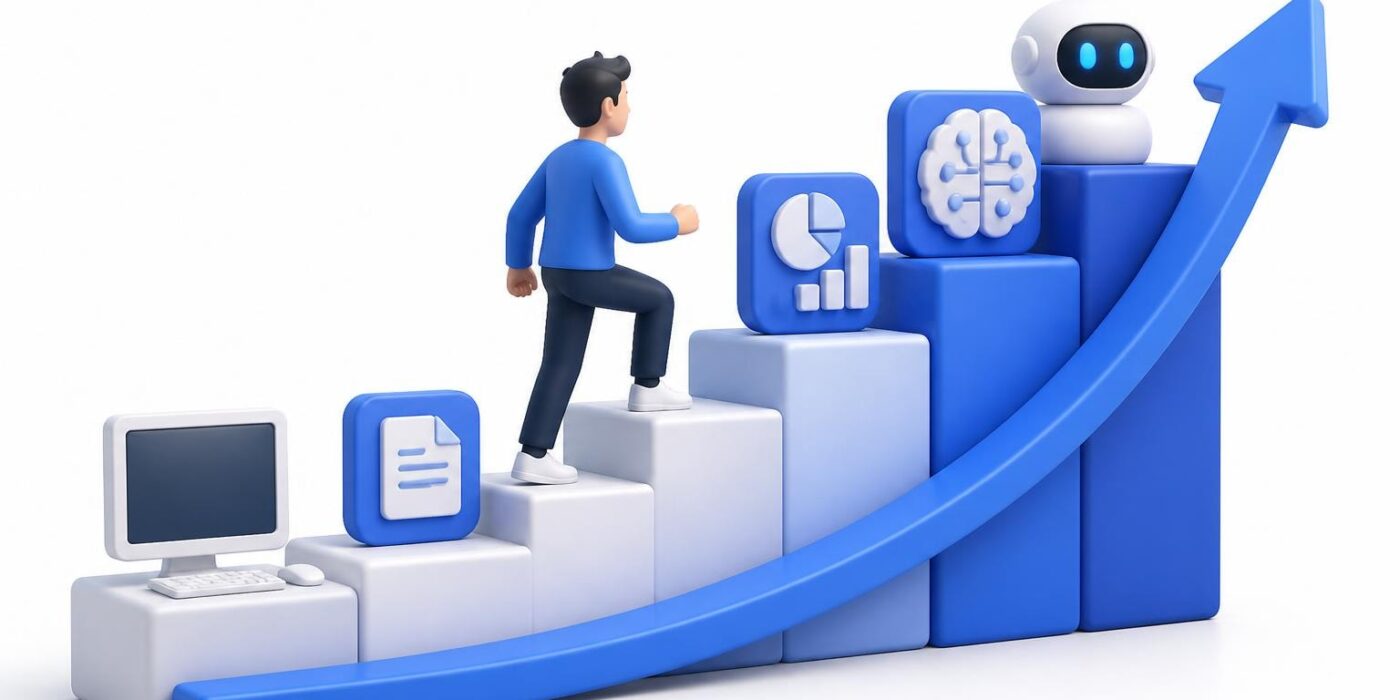
The modern workplace demands more than just basic typing abilities. Whether you're entering the job market for the first time, switching careers, or aiming to increase your earning potential, mastering computer skills has become non-negotiable. These digital competencies separate candidates who get hired from those who don't, and they directly impact your salary potential in 2026's AI-driven economy. The good news? You can develop these skills systematically, even if you're starting from zero experience.
Why Computer Skills Define Career Success in 2026
The artificial intelligence revolution hasn't eliminated the need for fundamental computer competencies. Instead, it's raised the baseline for what employers expect. Every industry now requires workers who can navigate digital systems, analyze data, collaborate remotely, and leverage automation tools.
Entry-level positions that once required minimal technical knowledge now demand proficiency in cloud platforms, project management software, and data visualization tools. Mid-career professionals face pressure to upskill constantly or risk obsolescence. Senior leaders must understand technical workflows to make informed strategic decisions.
The income gap between digitally proficient workers and those lacking these competencies continues to widen. According to 2026 labor market data, professionals with advanced computer skills earn 30-40% more than their peers with equivalent experience but limited technical abilities.
The Hidden Cost of Digital Illiteracy
Lacking essential computer skills creates invisible barriers throughout your career. You miss job opportunities because you can't pass basic skills assessments. You work slower than colleagues, limiting your productivity and promotion potential. You depend on others for tasks you should handle independently, undermining your professional credibility.
These gaps compound over time. The longer you delay building digital competencies, the harder it becomes to catch up as tools evolve and workplace expectations rise.
Essential Computer Skills Every Professional Needs
Building a comprehensive skill set requires understanding which competencies deliver the greatest career impact. Let's break down the essential categories you need to master.
Operating System Mastery
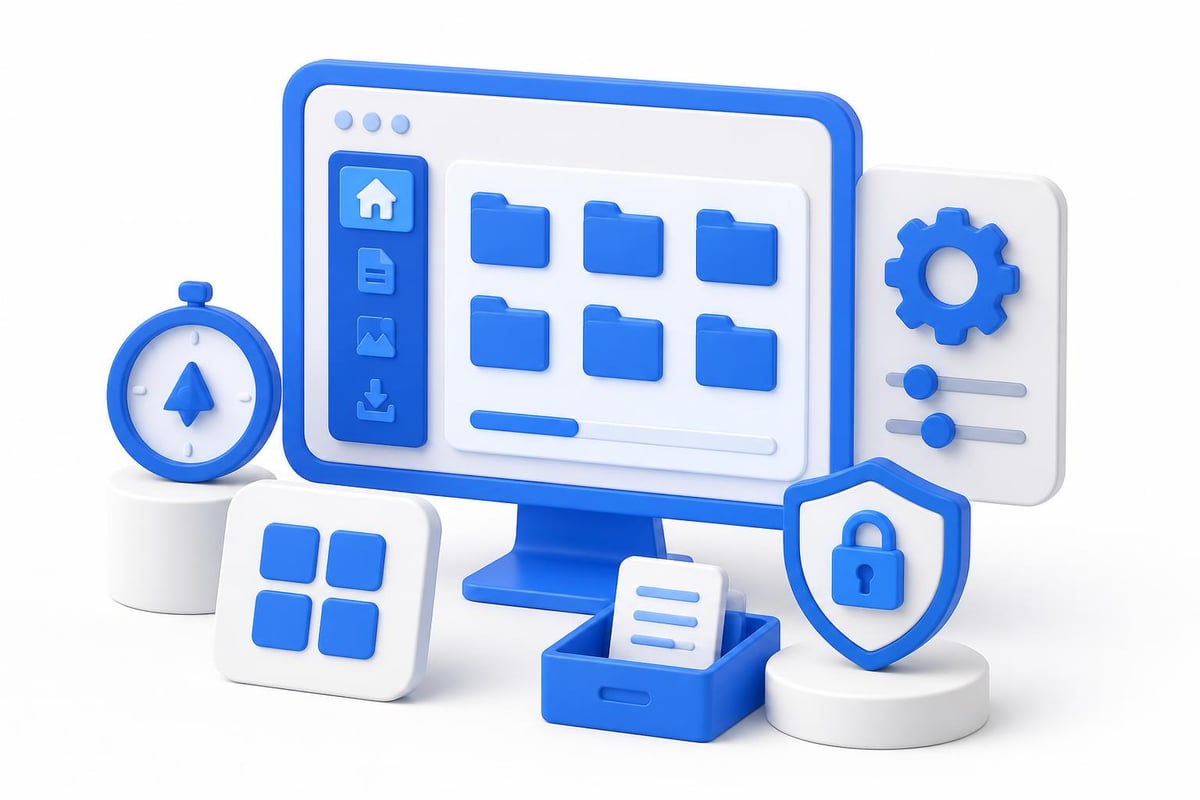
You need fluency in at least one major operating system, whether Windows, macOS, or Linux. This includes:
- File management and organization across folders and drives
- System settings customization and troubleshooting
- Security configurations and update management
- Command line basics for advanced operations
- Cloud storage integration and synchronization
These foundational abilities support every other technical skill you'll develop. Resources for learning computer basics provide structured approaches for beginners starting their digital literacy journey.
Software Productivity Suite Proficiency
Modern workplaces run on productivity software. You must demonstrate competence in:
| Software Category | Key Skills Required | Career Impact |
|---|---|---|
| Word Processing | Document formatting, styles, collaboration features | Essential for communication roles |
| Spreadsheets | Formulas, pivot tables, data visualization | Critical for analytical positions |
| Presentations | Slide design, animations, remote presenting | Necessary for client-facing work |
| Email/Calendar | Organization systems, scheduling, professional etiquette | Universal workplace requirement |
Don't just learn these tools superficially. Develop genuine expertise that allows you to work efficiently and solve complex problems. The difference between knowing basic functions and mastering advanced features directly correlates with your market value.
Communication and Collaboration Platforms
Remote and hybrid work models dominate 2026's employment landscape. You need mastery of:
- Video conferencing tools (Zoom, Teams, Google Meet)
- Messaging platforms (Slack, Discord, Microsoft Teams)
- Project management systems (Asana, Monday, Notion)
- Collaborative documentation (Google Workspace, Microsoft 365)
- Screen sharing and remote presentation techniques
These platforms have become primary work environments, not supplementary tools. Your ability to communicate effectively through digital channels determines your professional success.
Advanced Computer Skills That Accelerate Career Growth
Once you've mastered fundamental competencies, strategic skill development in advanced areas creates significant competitive advantages. These specialized abilities open doors to highest-paying computer science careers and technical roles.
Data Analysis and Visualization
Every business function now involves data. Professionals who can extract insights from information gain tremendous leverage:
- SQL for database querying and management
- Business intelligence tools (Tableau, Power BI, Looker)
- Statistical analysis fundamentals
- Data cleaning and preparation techniques
- Dashboard creation and reporting automation
You don't need a statistics degree to develop practical data skills. Focus on real-world applications relevant to your industry, and build competency through hands-on projects.
Automation and Workflow Optimization
Automation skills represent the highest-value competencies you can develop in 2026. Learning to eliminate repetitive tasks through technology increases your productivity exponentially while positioning you as a strategic problem-solver.
Start with no-code automation platforms like Zapier or Make, then progress to more sophisticated tools:
- Identify repetitive tasks in your current role
- Research automation solutions for those specific workflows
- Implement small automations and measure time savings
- Document your process improvements
- Share your efficiency gains with leadership
These documented achievements become powerful resume talking points that differentiate you from other candidates. Adult basic education in computer skills provides structured pathways for professionals developing these competencies systematically.
AI Tool Proficiency
Artificial intelligence tools have moved from experimental novelties to essential workplace utilities. Professionals who master AI applications gain disproportionate career advantages in productivity, creative output, and problem-solving capability.
Key AI competencies include:
- Prompt engineering for large language models
- AI-assisted coding and development
- Image generation and editing tools
- Automated transcription and summarization
- AI-powered research and analysis
For those serious about leveraging AI for career advancement, structured training programs provide the fastest path to practical expertise. Mammoth Club offers comprehensive AI certification designed to build job-ready skills through hands-on projects and real-world workflows.

Building Computer Skills Strategically for Career Advancement
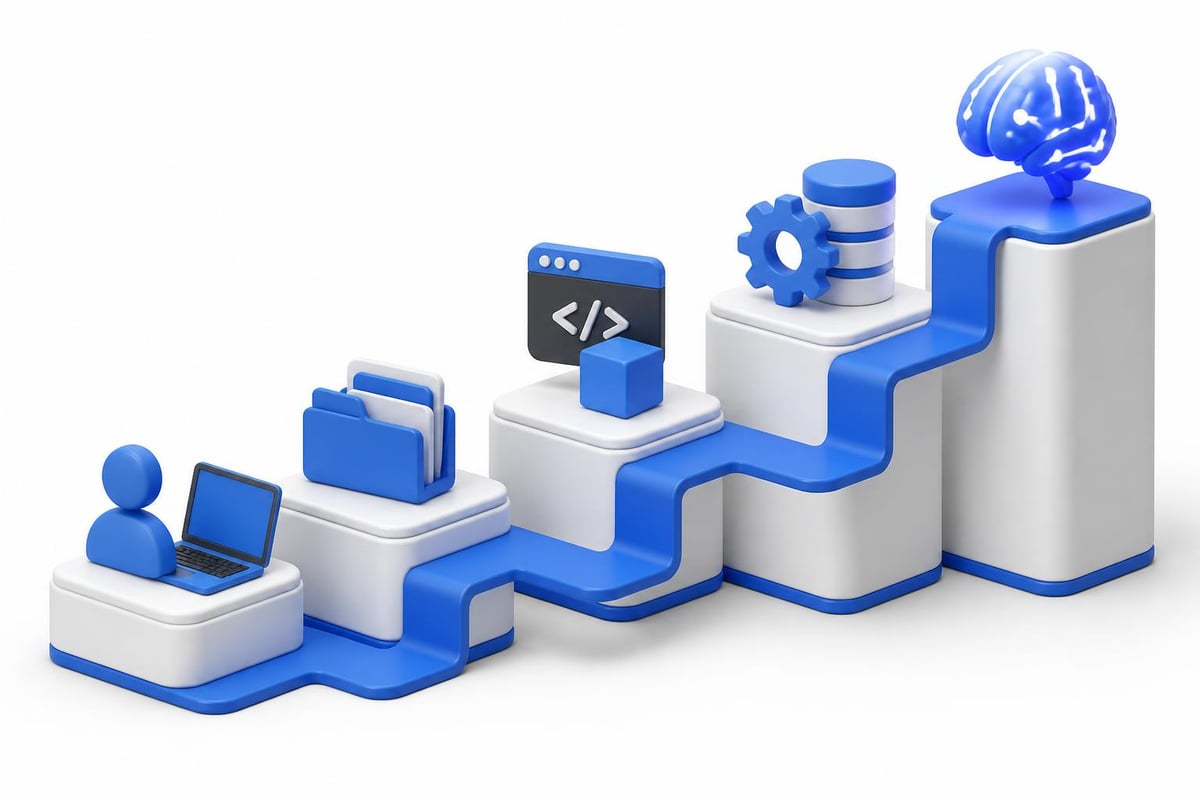
Random skill acquisition wastes time and creates knowledge gaps. Strategic development follows a clear methodology that maximizes learning efficiency and career impact.
Assess Your Current Competency Level
Start with brutal honesty about your existing abilities. Many professionals overestimate their computer skills based on casual familiarity rather than genuine proficiency.
Use these benchmarks:
- Beginner: You can perform basic tasks but struggle with anything unfamiliar
- Intermediate: You work independently but rely on Google for complex operations
- Advanced: You troubleshoot problems, teach others, and optimize workflows
- Expert: You develop custom solutions and stay current with emerging tools
Computer and internet skills tutorials offer assessments that help you identify specific knowledge gaps requiring attention.
Create a Targeted Learning Roadmap
Don't try learning everything simultaneously. Prioritize skills based on immediate career needs and long-term goals:
- List technical requirements for your target role
- Identify gaps between your current skills and those requirements
- Rank skills by career impact and learning difficulty
- Schedule dedicated practice time for each competency
- Set measurable milestones to track progress
This focused approach prevents overwhelm while ensuring steady advancement toward your objectives.
Apply Skills Immediately in Real Contexts
Passive learning creates illusions of competency. You don't truly understand a skill until you've applied it to solve actual problems under real constraints.
Strategies for practical application:
- Volunteer for projects requiring new skills you're developing
- Create side projects that force you to use unfamiliar tools
- Teach concepts to others, which reveals gaps in your understanding
- Build a portfolio demonstrating your growing capabilities
- Document your learning journey publicly to establish credibility
Real-world application accelerates learning while generating tangible proof of your abilities that employers value more than certificates alone.
Overcoming Common Computer Skills Learning Challenges
Most professionals encounter predictable obstacles when developing technical competencies. Understanding these challenges helps you navigate them effectively.
Time Constraints and Competing Priorities
The biggest barrier isn't difficulty but finding consistent time for skill development. Working professionals struggle to balance learning with job responsibilities and personal commitments.
Solutions that work:
- Practice micro-learning during otherwise wasted time (commutes, waiting, lunch breaks)
- Replace passive entertainment with active skill-building for just 30 minutes daily
- Wake up one hour earlier dedicated exclusively to technical development
- Use weekend mornings for intensive skill practice when mental energy peaks
- Batch similar learning activities to reduce context-switching overhead
Consistency matters more than duration. Fifteen minutes of daily focused practice outperforms three-hour marathon sessions once monthly.
Information Overload and Decision Paralysis
The sheer volume of available learning resources, tools, and techniques creates paralysis. You waste time researching "the best way to learn" instead of actually learning.
Cut through the noise by following this framework:
| Challenge | Solution Approach |
|---|---|
| Too many learning platforms | Pick ONE comprehensive course and complete it fully |
| Conflicting advice | Follow practitioners with proven results in your target field |
| Constantly changing tools | Focus on foundational concepts that transfer across platforms |
| Fear of choosing wrong skills | Start with universal competencies needed across all roles |
Open educational resources for computer skills provide structured curricula that eliminate decision fatigue by offering clear learning pathways.
Imposter Syndrome and Confidence Issues
Many learners feel overwhelmed by advanced practitioners and question their ability to reach competency. This psychological barrier stops progress more effectively than any technical difficulty.
Remember these truths:
- Every expert started as a confused beginner
- Struggle indicates learning, not inadequacy
- Your unique perspective adds value even as a learner
- Competency develops through repetition, not innate talent
- Asking questions demonstrates intelligence, not ignorance
Join communities of fellow learners at similar skill levels. Seeing peers overcome identical challenges builds confidence that you can too.
Demonstrating Computer Skills to Employers
Possessing skills means nothing if you can't prove them to hiring managers. Strategic demonstration converts competencies into job offers and salary increases.
Building a Skills-Based Portfolio
Create concrete evidence of your abilities through:
- Sample projects showcasing your workflow automation achievements
- Data dashboards demonstrating analytical capabilities
- Documentation explaining complex technical processes clearly
- Video tutorials teaching skills you've mastered
- Case studies detailing problems you've solved with technology
This portfolio becomes your most powerful interview asset. Rather than claiming you have computer skills, you show undeniable proof.
Obtaining Relevant Certifications
While practical skills matter most, certifications provide standardized proof that employers recognize. Prioritize credentials that:
- Align with your target industry's specific tool ecosystem
- Come from recognized authorities in your field
- Include hands-on project components, not just multiple-choice tests
- Demonstrate current knowledge of 2026 tools and best practices
- Complement your portfolio rather than replacing it
Strategic certification accelerates your job search by passing automated screening systems and signaling commitment to professional development.
Talking About Technical Skills Effectively
Many technically proficient candidates struggle articulating their abilities in interviews. Practice explaining computer skills using this formula:
- Name the specific tool or technology
- Describe the business problem it solved
- Quantify the impact of your solution
- Connect it to the role you're pursuing
Example: "I use Python scripts to automate data collection from five different systems, reducing report preparation time from four hours to fifteen minutes. This freed our team to focus on strategic analysis rather than manual data entry. I'd apply similar automation thinking to streamline your customer onboarding workflows."
This approach demonstrates competency while highlighting business value.
Staying Current as Technology Evolves
Computer skills don't remain static. Tools evolve, new platforms emerge, and best practices shift constantly. Professionals who stop learning become obsolete within months, not years.
Developing a Continuous Learning System
Build these habits into your routine:
- Follow thought leaders and practitioners in your field on social media
- Subscribe to newsletters covering tools relevant to your work
- Dedicate Friday afternoons to exploring new technologies
- Attend virtual conferences and webinars monthly
- Experiment with beta versions of emerging platforms
- Join professional communities discussing industry trends
Computer literacy tutorials and assessments help you evaluate which emerging skills deserve your attention versus passing fads you can safely ignore.
Continuous learning becomes effortless when you integrate it into existing workflows rather than treating it as a separate activity requiring additional time.
Balancing Depth Versus Breadth
Should you specialize deeply in specific tools or develop broad familiarity across many platforms? The answer depends on your career stage and goals.
Early career professionals benefit from breadth. Exposure to diverse tools helps you discover aptitudes and interests while building general digital literacy that transfers across roles.
Mid-career specialists gain more from depth. Mastery of specific platforms positions you as an expert others consult, commanding premium compensation.
Senior professionals need strategic breadth. Understanding how different systems integrate helps you make architectural decisions and lead technical initiatives.
Adjust your learning focus as your career evolves rather than committing permanently to one approach.
Computer Skills as Career Insurance
Economic volatility, industry disruption, and AI transformation make job security obsolete. The only real security comes from skills that remain valuable across changing circumstances.
Computer skills provide this insurance because they:
- Transfer across industries and roles
- Compound in value as you add complementary competencies
- Enable income generation through freelancing and consulting
- Position you for emerging opportunities created by technological change
- Protect against automation by focusing on high-judgment tasks
Investing time developing these competencies isn't just about landing your next job. It's about building career resilience that protects your income and options for decades.
For professionals seeking to transition into high-paying AI careers, computer skills form the essential foundation upon which specialized AI competencies build.
Mastering computer skills in 2026 isn't optional for career success. These digital competencies determine who gets hired, who earns premium salaries, and who remains competitive as technology reshapes every industry. Whether you're building foundational literacy or developing advanced AI automation capabilities, strategic skill development separates thriving professionals from those left behind. AI Career Central provides the structured career paths, practical training, and certification guidance you need to build job-ready AI skills that increase your income and open doors to high-paying opportunities in the fastest-growing field of our generation.